
A Starter’s Toolkit for SEO Rookies
6 Steps to Improve Your SEO
Level of Difficulty: Easy
By Joshua Godsey, Expio Operations
Intro
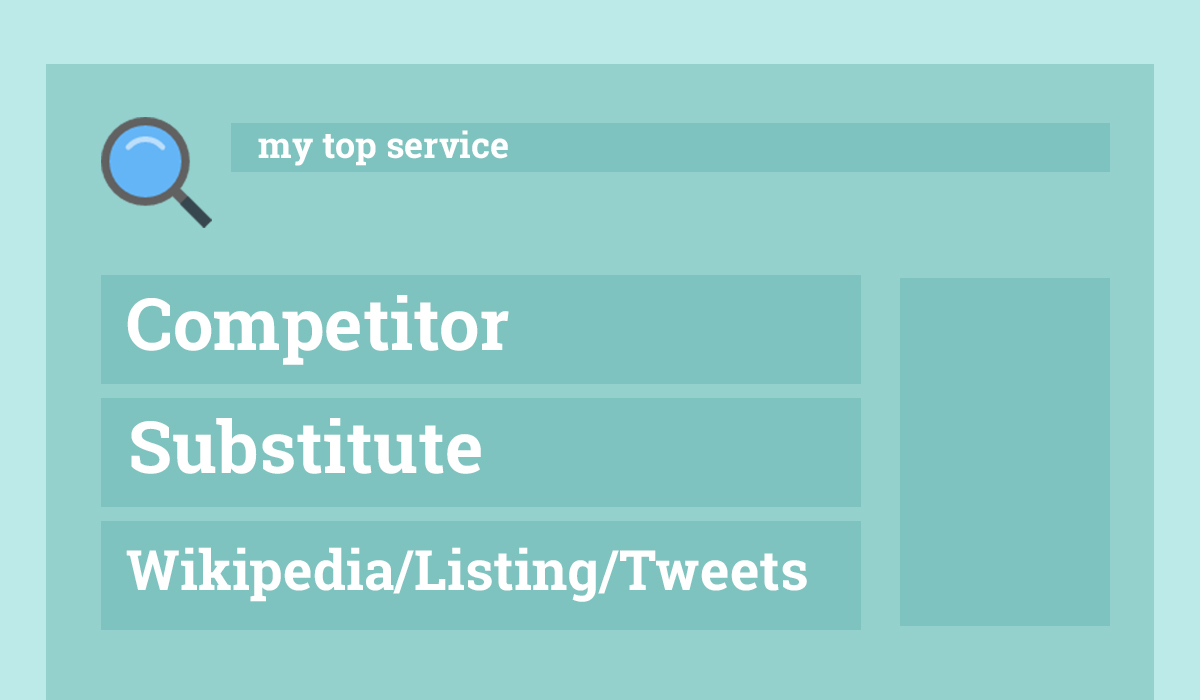
For most business owners, getting to the top of Google is a big deal. If you’re not there, you want it — badly. Every time you search your service on Google, it’s always the competitors dominating the page.
Sometimes those competitors are not even relevant — they may not serve your area, may offer different services, or may even be out of business. Results like these can make you feel like a Google failure.
On top of that, SEO seems complicated. Endless factors, constant updates, and countless so-called “experts” emailing you with different packages and promises.
But don’t worry — these 6 high-quality steps, if done consistently, will help increase your SEO positioning.
1. Get Familiar With Search Query Reports
A search query is the exact word or phrase a user types into Google.
Using a Search Query Report, you can see:
-
Top searches landing visitors on your site
-
Number of impressions
-
Your ranking position
-
Click-Through-Rate (CTR)
Google receives around 70% of all searches in the USA, so we’ll focus on Google.
Understanding how people already find you helps you optimize your content and strengthen engagement.
Toolkit
Use Google Search Console to pull search query reports.
You must install and verify your site if you haven’t already.
2. Analyze Your Home Page Using Important Keywords
This is a crucial SEO step.
If you were searching for your own business, what words would you type?
Examples:
-
“best pizza in chicago”
-
“accountant near me”
-
“social media experts”
Once you choose the primary keyword for your homepage, use a page optimization tool to check:
-
Titles
-
Headings
-
Meta description
-
Body content
-
Keyword placement and relevance
Toolkit
Recommended tools:
-
Moz Page Optimization
-
Yoast SEO (for WordPress)
-
Or any online SEO analyzer tool
Checklist for Optimizing a Page
-
Keyword in title
-
Keyword in first paragraph
-
Keyword in at least one heading
-
Meta description includes keyword
-
Keyword appears naturally throughout content
-
Image alt text includes keyword (only if relevant)
3. Find Related / High-Volume Keyword Topics
Now that you have a primary keyword, discover related top-searched phrases.
Important rule:
Let the data decide — not your assumptions.
Copy high-volume relevant keywords into a spreadsheet to build your Master Keyword List.
Toolkit
Best tools for beginners:
-
Google Trends
-
Moz Pro (Related Topics tool)
-
Google Ads Keyword Planner (excellent for search volume)
4. Use Steps 1–3 to Build a Keyword Strategy
Sometimes your site appears in search results but doesn’t get clicks.
This indicates low CTR, which you can improve with better titles, descriptions, and content relevance.
SEO does not give overnight results.
But with consistent, data-based content creation, you’ll see meaningful progress within a year.
Use your keyword list to create:
-
New blog posts
-
Landing pages
-
Videos
-
Infographics
-
Calls-to-action
-
Service pages
Let SEO be the driver of your online strategy — not an afterthought.
Toolkit
Use Google Sheets or Excel to store your keyword list.
From Keyword Planner, export:
-
Monthly search volume
-
Competition level
-
Keyword suggestions
5. Analyze Your Competition (SERP Analysis)
SERP = Search Engine Results Page
Now that you know your top keywords, study who ranks for them.
What to Examine:
-
Which businesses appear first?
-
Are they real competitors?
-
How strong is their domain authority?
-
How realistic is it to outrank them?
Toolkit
Use MozBar browser extension (free).
It shows:
-
Page Authority
-
Domain Authority
-
Spam score
-
Backlink strength
Bonus Tip
Positions 1, 2, and 3 get significantly more clicks than 4+.
It’s often better to target less competitive keywords to reach the top 3.
Bonus 5B: Analyze Local Competition
If you have a physical location, local SEO is very important.
Example:
Instead of “coffee shop”
Search:
-
“coffee shop coulter street”
-
“coffee shop dallas tx”
Toolkit
MozBar allows you to search from any location worldwide — extremely important for accurate assessment.
6. Create Based on What You’ve Learned
One client ranked #2 in Google Local for their most important keyword — a major opportunity for traffic.
Using the insights from:
-
Search Console
-
Keyword Planner
-
SERP analysis
-
On-page optimization
…you can create a strong SEO engine that grows month by month.









Comments (2)
Joshua – good tip on the SEO Chat tool. Lots of good data there. Quick way to see your internal and external links.
Good basics are the foundation. Without a good foundation more advanced SEO is really wasted.
Thanks for the great info!
Agreed. Thanks for reading, John!